GTA 63 min readहिन्दी में पढ़ें
GTA 6 download size: up to 212 GB, pre-load guide for India
GTA 6 pre-load is live since 10 November. Rockstar says up to 212 GB; Xbox Store India lists 225.3 GB. Steps for PS5 and Xbox, and download times in India.
By Rakesh KBuilding SquadAdda for the love of gaming.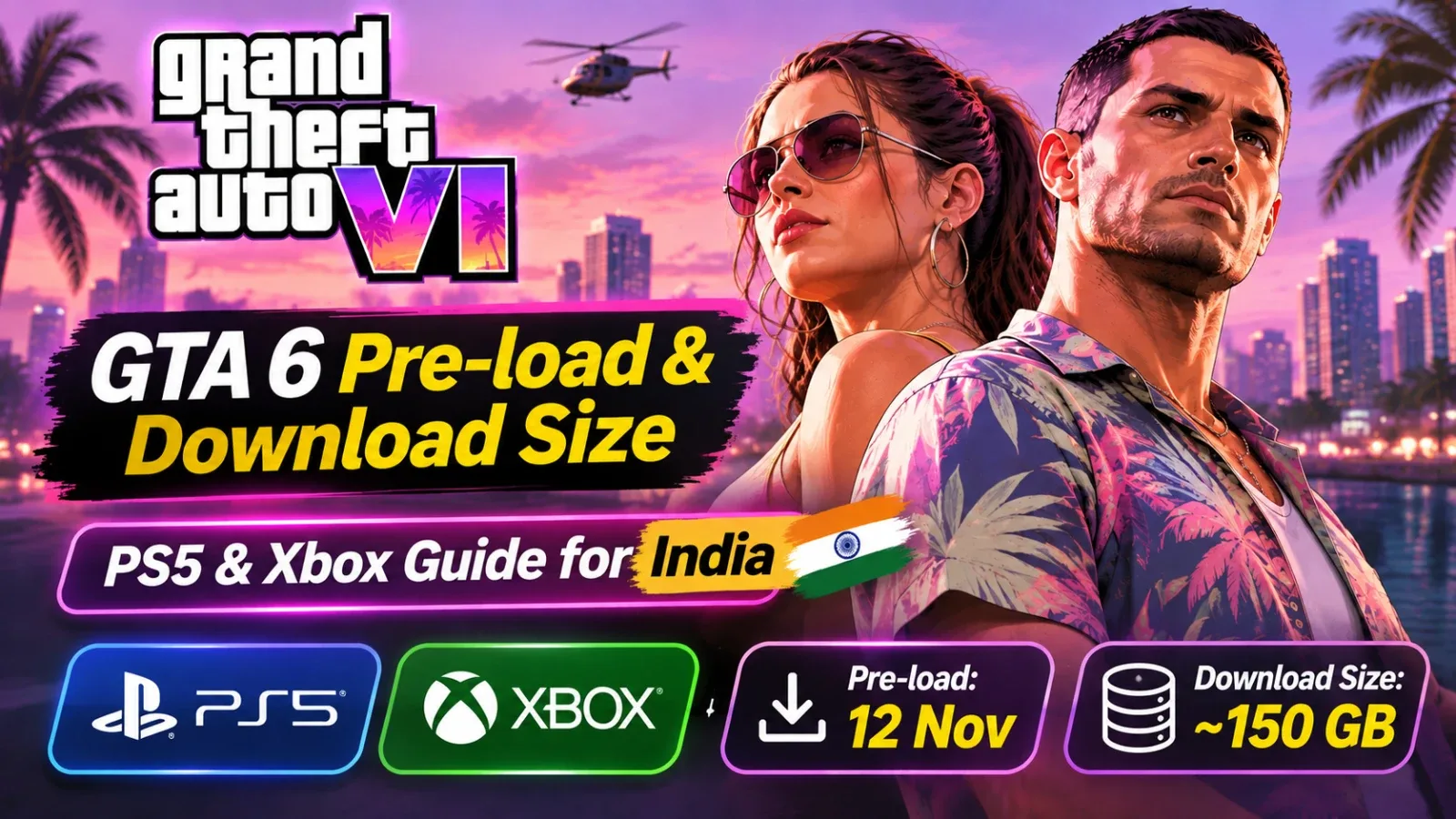
GTA 6 unlocks on 19 November 2026 at 12 AM IST, but you can download it now. Rockstar opened pre-load on 10 November, and the game is huge: Rockstar says it needs up to 212 GB, depending on your device. On Indian broadband that can take a full night or more, so start the download early if you want to play at midnight.
GTA 6 download size
- Official (Rockstar): up to 212 GB, depending on your device. Rockstar has not given separate PS5 and Xbox figures.
- Xbox Series X|S: 225.3 GB maximum install size, as listed on the Microsoft Store India. Keep at least this much free on Xbox.
- PS5: plan for 212 GB. The PlayStation Store website does not show the size; your console shows the exact figure on the game's download screen.
A standard PS5 has about 667 GB of usable space, so GTA 6 alone takes nearly a third of it. On an Xbox Series S, with about 364 GB usable, it takes well over half. Leave extra room: a day-one patch is likely.
How long will the download take in India?
For a 212 GB download at a steady speed:
- 50 Mbps: about 9 to 10 hours
- 100 Mbps: about 4 to 5 hours
- 300 Mbps: about 1.5 to 2 hours
Real speeds are usually lower than your plan, especially in the evening, so add a buffer. Two India-specific warnings:
- Check your plan's data limit (FUP). Many broadband plans slow down after a monthly limit. 212 GB plus a patch can use a big share of it.
- Avoid mobile hotspots. Downloading over 200 GB on mobile data is slow and expensive.
How to pre-load GTA 6 on PS5
PS5 pre-load opened at 12:00 AM IST on 10 November.
- Buy GTA 6 on the PlayStation Store, or redeem the code from your physical box (PlayStation Store, then Redeem Codes). The box has a code, not a disc; Rockstar says these copies reach retailers from 12 November.
- Turn on automatic downloads: Settings, then System, then Power Saving, then Features Available in Rest Mode, and keep Stay Connected to the Internet on.
- Check the download. If it has not started, open the Game Library, go to Your Collection, select Grand Theft Auto VI and choose Download.
- Leave the PS5 in Rest Mode overnight so the download and any patch finish.
- At unlock (12 AM IST on 19 November), start the game. If it still shows locked, check for an update or restart the console.
How to pre-load GTA 6 on Xbox Series X|S
Xbox pre-load opened at 12:00 AM GMT on 10 November (5:30 AM IST).
- Buy on the Microsoft Store, or redeem your box code (Store, then Redeem).
- Make sure automatic updates are on in Settings, under General and Power options, with Sleep mode so downloads keep running.
- Open My games and apps, then Full library, find Grand Theft Auto VI and install it if it has not started.
- Check the queue in My games and apps, then Manage, then Queue, to see progress.
How to free up space
- Delete games you have finished. Your saves usually stay in cloud or system storage, but check before deleting.
- Move older games to an external drive. PS5 games must run from internal or M.2 storage, but PS4 games and parked PS5 games can sit on a USB drive.
- Add an M.2 SSD (PS5) or an expansion card (Xbox Series X|S) if you keep running out of space. Make sure the drive is supported before buying.
Quick checklist before 19 November
- Game bought or code redeemed
- At least 212 GB free on PS5, or 225 GB on Xbox, plus room for a patch
- Automatic downloads and Rest Mode or Sleep mode on
- Download finished (check the progress before the night of 18 November)
- Broadband data limit checked
Release time and launch-week dates are in our GTA 6 India release time guide, prices in the price and edition guide, and everything else on our GTA 6 page.
Sources
We research each story from these reports and write it in our own words.
- Rockstar Games: Grand Theft Auto VI Pre-Load Begins on November 10
- Rockstar Games Support: Grand Theft Auto VI Pre-Load FAQ
- Microsoft: Grand Theft Auto VI on Microsoft Store India (install size)
- Sony Interactive Entertainment: Grand Theft Auto VI on PlayStation Store India
- Rockstar Games Support: Grand Theft Auto VI platforms, editions and versions