Minecraft8 min readहिन्दी में पढ़ें
Minecraft Download Guide: How to Install on Android, PC, PS5 & Xbox
Learn how to download and install Minecraft on Android, iPhone, Windows PC, PS5 and Xbox. Explore editions, system requirements, Microsoft account setup, offline play and common installation fixes.
By Rakesh KBuilding SquadAdda for the love of gaming.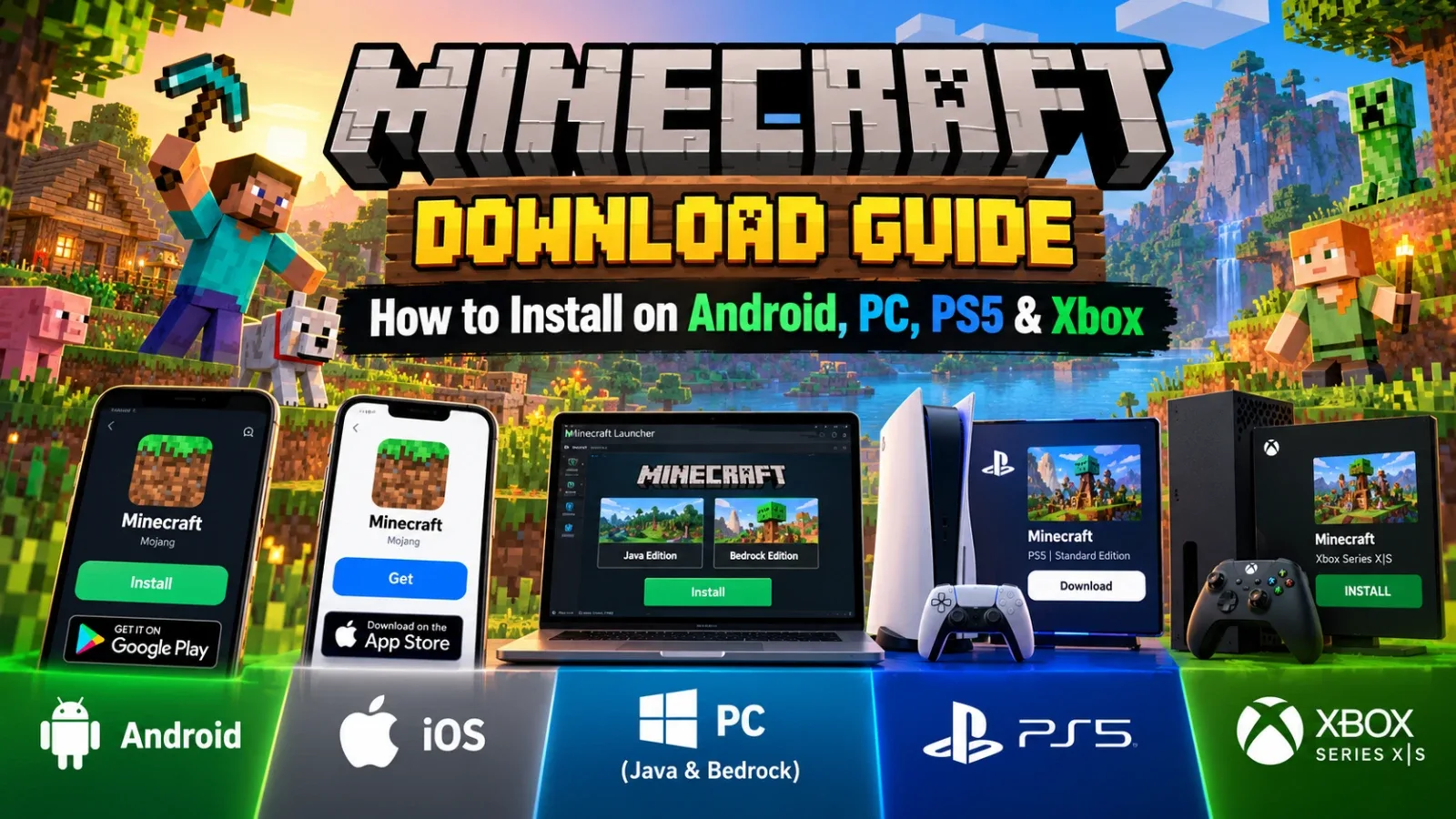
Minecraft Download Guide: How to Install on Android, PC, PS5 & Xbox
Want to download Minecraft and start building your own world? Minecraft is available on Android, iPhone, Windows PC, PlayStation 5 and Xbox. However, the download and installation process is slightly different on each platform.
In this guide, you’ll learn how to download Minecraft safely, understand the available editions, check system requirements, sign in with a Microsoft account and fix common installation problems.
1. How to Download Minecraft on Android
Android users can download Minecraft directly from the Google Play Store.
Follow these steps:
-
Open the Google Play Store on your Android phone or tablet.
-
Search for Minecraft.
-
Make sure the publisher is listed as Mojang.
-
Open the official Minecraft listing.
-
Check the current price and tap Buy.
-
Complete the payment using an available payment method.
-
Once purchased, tap Install.
-
Open the game after installation.
Download: Minecraft on Google Play
Minecraft for Android is a paid game. Its price and storage requirements may change, so check the Play Store listing before purchasing.
Avoid downloading modified APK files from unknown websites. They may contain malware, outdated versions or files that compromise your device.
2. How to Download Minecraft on iPhone and iPad
iPhone and iPad users can install Minecraft through Apple's App Store.
Installation steps:
-
Open the App Store.
-
Search for Minecraft.
-
Select the official game published by Mojang.
-
Check the displayed price.
-
Complete the purchase using your Apple Account.
-
Tap Get or the download icon.
-
Wait for the installation to finish.
-
Open Minecraft and complete the initial setup.
Download: Minecraft on the Apple App Store
Make sure your iPhone or iPad has enough free storage and supports the game's current iOS requirements.
3. How to Download Minecraft on Windows PC
PC players can choose between two main editions:
-
Minecraft Java Edition: Popular for mods, custom servers and extensive community-created content.
-
Minecraft Bedrock Edition: Designed for cross-platform multiplayer with supported devices such as Android, iPhone, Windows, PlayStation and Xbox.
On Windows, the official PC bundle includes both Java and Bedrock editions.
How to install Minecraft on PC:
-
Visit the official Minecraft download page.
-
Download the Minecraft Launcher for Windows.
-
Install and open the launcher.
-
Sign in with your Microsoft account.
-
Purchase Minecraft if you haven't already.
-
Select Java Edition or Bedrock Edition.
-
Click Install or Play, depending on your account and installation status.
-
Wait for the game files to download.
-
Launch Minecraft.
You can also check the Minecraft Java & Bedrock PC listing.
Minecraft PC System Requirements
Before purchasing Minecraft, check whether your PC meets the requirements.
Java Edition
ComponentMinimum requirementOperating systemWindows 10 64-bitProcessorIntel Core i3-10100 or AMD Ryzen 3 3100RAM8 GB with a discrete GPU or 12 GB with integrated graphicsGraphicsVulkan 1.3-capable GPU
Recommended Java Edition specifications
ComponentRecommendedOperating systemWindows 11 64-bitProcessorIntel Core i5-12400 or AMD Ryzen 5 5600RAM16 GBGraphicsNVIDIA RTX 2060, AMD RX 5600 XT or Intel Arc A580
Bedrock Edition has different requirements and can run on comparatively modest hardware. Check the official Minecraft system requirements for the edition you plan to play.
4. How to Download Minecraft on PS5
PlayStation 5 users can purchase and download Minecraft through the PlayStation Store.
Follow these steps:
-
Turn on your PS5.
-
Open the PlayStation Store.
-
Search for Minecraft.
-
Select the official Minecraft game.
-
Check the edition and price.
-
Purchase the game using an available payment method.
-
Select Download.
-
Wait for installation to complete.
-
Open Minecraft from your game library.
Download: Minecraft on PlayStation Store India
The listed PS5 Standard Edition price has been ₹1,499, but prices and offers can change. Check the PlayStation Store for the latest price.
A PlayStation Network account is required for online features. Online multiplayer on PS5 generally requires an active PlayStation Plus subscription.
5. How to Download Minecraft on Xbox
Xbox players can download Minecraft directly from the Microsoft Store.
Installation steps:
-
Turn on your Xbox console.
-
Open the Microsoft Store.
-
Search for Minecraft.
-
Select the official game.
-
Check the price and edition.
-
Complete the purchase.
-
Select Install.
-
Once installed, launch the game.
Download: Minecraft on Xbox Store India
The Xbox Store listing has shown prices starting at ₹2,250, but the final price depends on the edition and current offers.
Online console multiplayer requires an eligible Xbox Game Pass subscription. Check the store's current subscription requirements before purchasing.
6. Do You Need a Microsoft Account to Play Minecraft?
Yes. A Microsoft account is required for several Minecraft features and platforms, including multiplayer and account-related services. Java Edition on Windows also uses Microsoft account sign-in.
You can create a free Microsoft account here:
If the game asks you to link your account, follow the instructions shown on your screen. You may also be asked to visit:
Remember that your Google, Apple or PlayStation account is not automatically a Microsoft account.
7. Minecraft Java vs Bedrock: Which Edition Should You Choose?
Choosing the right edition depends on how you want to play.
FeatureJava EditionBedrock EditionMain platformsWindows, macOS and LinuxAndroid, iOS, Windows, consolesModsExtensive community mod supportAdd-ons and Marketplace contentCross-platform playLimited to Java playersSupported across compatible Bedrock platformsMultiplayerJava serversBedrock servers and compatible platformsBest forPC players who enjoy modsPlayers who want cross-platform gaming
Which one should you choose?
Choose Java Edition if you mainly play on PC and want access to community mods and Java servers.
Choose Bedrock Edition if you want to play with friends using mobile devices, consoles or Windows Bedrock.
8. Can You Play Minecraft Offline?
Yes, Minecraft supports offline play in many situations.
After installing the game and completing the required initial sign-in or authentication, you can generally play single-player worlds without an active internet connection.
However, you will need an internet connection for features such as:
-
Online multiplayer and servers
-
Minecraft Realms
-
Marketplace downloads
-
Game updates
-
Account sign-in and certain authentication checks
For the best experience, complete the initial setup while connected to the internet.
9. Common Minecraft Download and Installation Problems
If Minecraft is not downloading or installing, try these solutions.
1. Not enough storage
Delete unnecessary files or apps and free up storage space. Keep additional space available for updates and game data.
2. Minecraft is not downloading from Google Play
Check your internet connection, restart your device and try again. If you see an error such as 504, wait a little and retry.
3. Minecraft is not launching on PC
Update your graphics drivers, install available Windows updates and check whether your PC meets the requirements for the selected edition.
4. Microsoft account sign-in problem
Verify your account details and follow the official account recovery or linking instructions.
5. Minecraft is not installing on PS5 or Xbox
Check available storage, console network status and pending system updates. Restart the console and try downloading the game again.
If the problem continues, visit Minecraft Support.
10. Tips for Indian Minecraft Players
Before downloading Minecraft, keep these points in mind:
-
Purchase the game only through official stores.
-
Compare the edition and platform before paying.
-
Check the latest price instead of relying on older screenshots or articles.
-
Use a stable Wi-Fi connection for large downloads and updates.
-
Make sure your device has enough free storage.
-
Use a Microsoft account for supported multiplayer and account features.
-
Avoid unofficial launchers and suspicious APK download websites.
You can also explore more gaming content on SquadAdda and connect with other gamers through SquadAdda Crew.
Frequently Asked Questions (FAQs)
Q1. Is Minecraft free to download?
No. The official Minecraft game is generally paid on Android, iOS, PC and consoles. Some platforms may offer trials or subscription-based access, depending on availability.
Q2. Can I download Minecraft on my laptop?
Yes. You can download Minecraft on a compatible Windows laptop using the official Minecraft Launcher.
Q3. Which Minecraft edition is best for beginners?
Bedrock Edition is a convenient option if you want to play across supported devices. Java Edition is a great choice for PC players interested in mods and community servers.
Q4. Can Android and PC players play Minecraft together?
Yes, if both players are using compatible Bedrock Edition versions. Java Edition players cannot directly join standard Bedrock multiplayer sessions.
Q5. Do I need an internet connection to play Minecraft?
Not always. You can generally play single-player worlds offline after the initial setup. Online multiplayer, Realms and Marketplace features require an internet connection.
Q6. Is Minecraft available on PS5 and Xbox?
Yes. Minecraft is available through the PlayStation Store and Microsoft Store for supported consoles.
Q7. Is it safe to download Minecraft APK files from third-party websites?
It is safer to download Minecraft from the official Google Play Store. Third-party APK files may be modified, outdated or unsafe.
Final Words
Downloading Minecraft is straightforward when you use the official store for your device. Whether you play on Android, iPhone, PC, PS5 or Xbox, choose the correct edition, check the system requirements and complete the installation using your account.
Once everything is ready, you can start exploring, building and creating your own Minecraft world!